
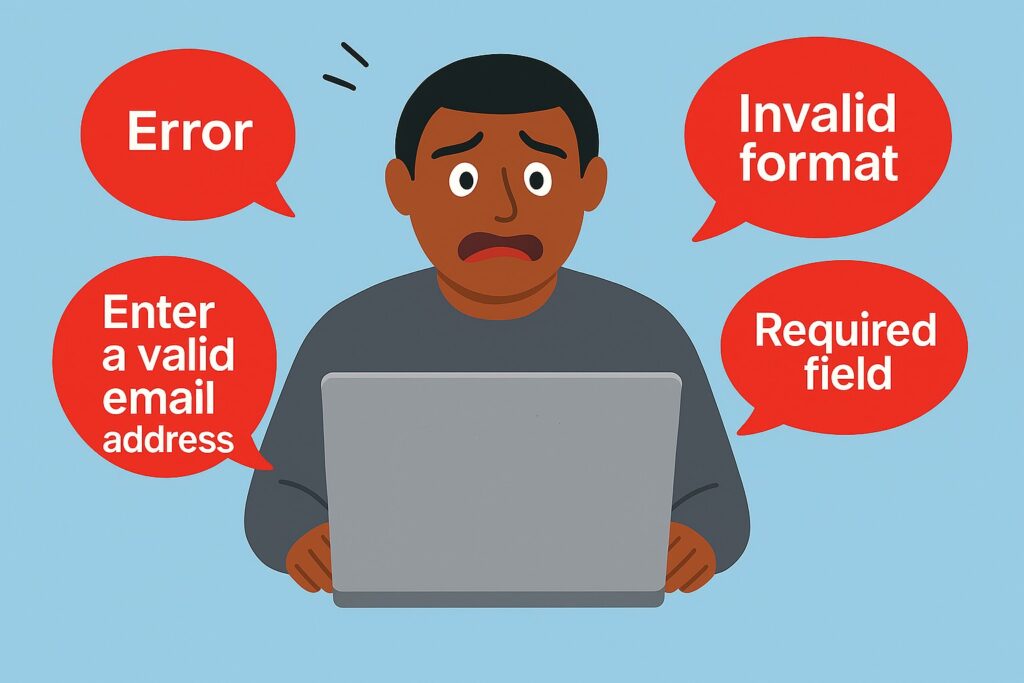
Although WCAG does not require real-time validation, it is a widely adopted pattern for improving perceived usability. When implemented well, it helps users identify and correct errors earlier, rather than discovering them only after submitting a form.
However, unless handled with care, real-time validation can become an annoyance or even a complete blocker for certain user groups. What improves the experience for some users can significantly degrade it for others, particularly when accessibility needs are not taken into account.
Different takes on real-time validation
Real-time validation means validating fields during user interaction, rather than waiting for a submit action. This definition leaves room for interpretation, and in practice there are several common approaches for exactly when validation occurs:
- On each keystroke, where feedback updates continuously as the user types.
- When leaving the field, where validation runs when a field loses focus, typically on the blur event.
- After meaningful interaction, where validation runs on blur only if the user has entered input or otherwise engaged with the field.
Why validation on blur is often recommended, and why it shouldn’t be
Validation on each keystroke is widely understood to be problematic. It causes excessive interruptions, makes typing difficult for screen reader users, and creates constant noise. Most people advocating for accessible forms already agree that this approach should be avoided.
Validation on blur is frequently presented as a better alternative to keystroke-based validation. Compared to validating on every character, it reduces the number of announcements and avoids interrupting the user mid-input.
Because of this, validation on blur is often promoted as an accessibility-friendly best practice. The problem is that blur happens whether the user intended to interact with the field or not.
How blur-based validation affects screen reader users
Screen reader users commonly navigate forms by tabbing through inputs to understand what is being asked. This initial pass is exploratory and intentional. They may move through several fields before entering any data.
If validation runs on blur unconditionally, error messages are triggered as the user moves through the form for the first time. Since error messages are expected to be announced immediately using live regions, this creates repeated interruptions.
Instead of hearing labels, instructions, and context, the user is met with error messages for fields they have not yet tried to complete. This makes it harder to form a mental model of the form’s structure and requirements.
In this context, validation on blur is not a minor inconvenience. It actively works against how screen reader users navigate and understand forms.
Other affected user groups
While this post focuses mainly on screen reader users, aggressive blur-based validation can also create problems in other accessibility contexts:
- Cognitive or learning disabilities: repeated or premature error messages can cause stress or discouragement.
- Lower familiarity with technology: early error messages may be interpreted as mistakes, even when the user is simply navigating the form.
- Low vision with magnification: layout shifts caused by appearing and disappearing errors can be disorienting.
The better approach: Real-time validation after meaningful interaction
Real-time validation should run only after the user has meaningfully interacted with a field. This typically means validating on blur only if the user has entered text, selected an option, or otherwise indicated intent.
For screen reader users, this changes the experience significantly:
- Validation feedback appears when it is relevant and expected.
- Initial navigation through the form is uninterrupted.
- Error announcements support correction instead of competing with orientation.
Validating only after meaningful interaction preserves the benefits of real-time feedback without introducing unnecessary interruptions.
What WCAG requires and what it leaves open
WCAG does not require real-time validation, but it also does not prohibit it. It does require that errors be clearly identified, described in text, and communicated in a perceivable way. The timing of validation is intentionally left as a design choice, and that choice has real accessibility consequences.
Relevant WCAG success criteria include:
- 3.3.1 Error Identification
- 3.3.2 Labels or Instructions
- 3.3.3 Error Suggestion
- 3.3.4 Error Prevention (Legal, Financial, Data)
- 4.1.3 Status Messages
Conclusion and recommendations
Real-time validation is not inherently inaccessible, but it must be implemented with intent.
- Use real-time validation, but only after meaningful user interaction.
- Do not validate empty fields simply because they lost focus.
- Be intentional about live region announcements and avoid unnecessary interruptions.
- Use clear, supportive language that explains how to fix the issue.
- Provide an error summary after submission as a fallback, especially for screen reader users.
Accessible validation is not about reacting as early as possible. It is about reacting when the feedback is actually useful.
Leave a Reply